What are highlights?
Highlights allow you to specify what letter combinations (if any) should be highlighted in red while playing some of the games in Bitsboard. Here is an example.
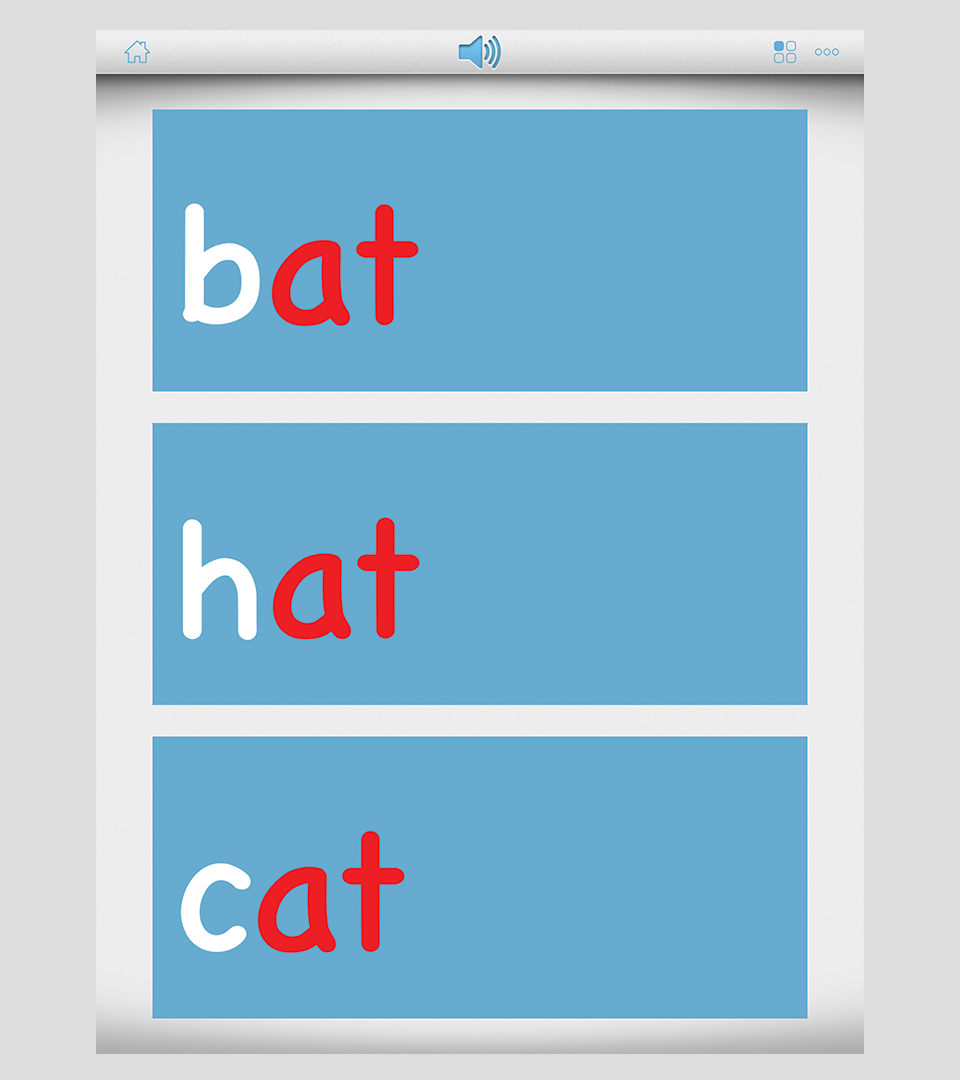
A lot of teachers like to use the highlights feature to help students focus / recognize certain phonetic sounds that make up a word. The highlights feature is supported by the Flashcards, Photo Touch, Match Up, Reader, Spelling Bee, and Related Items games.
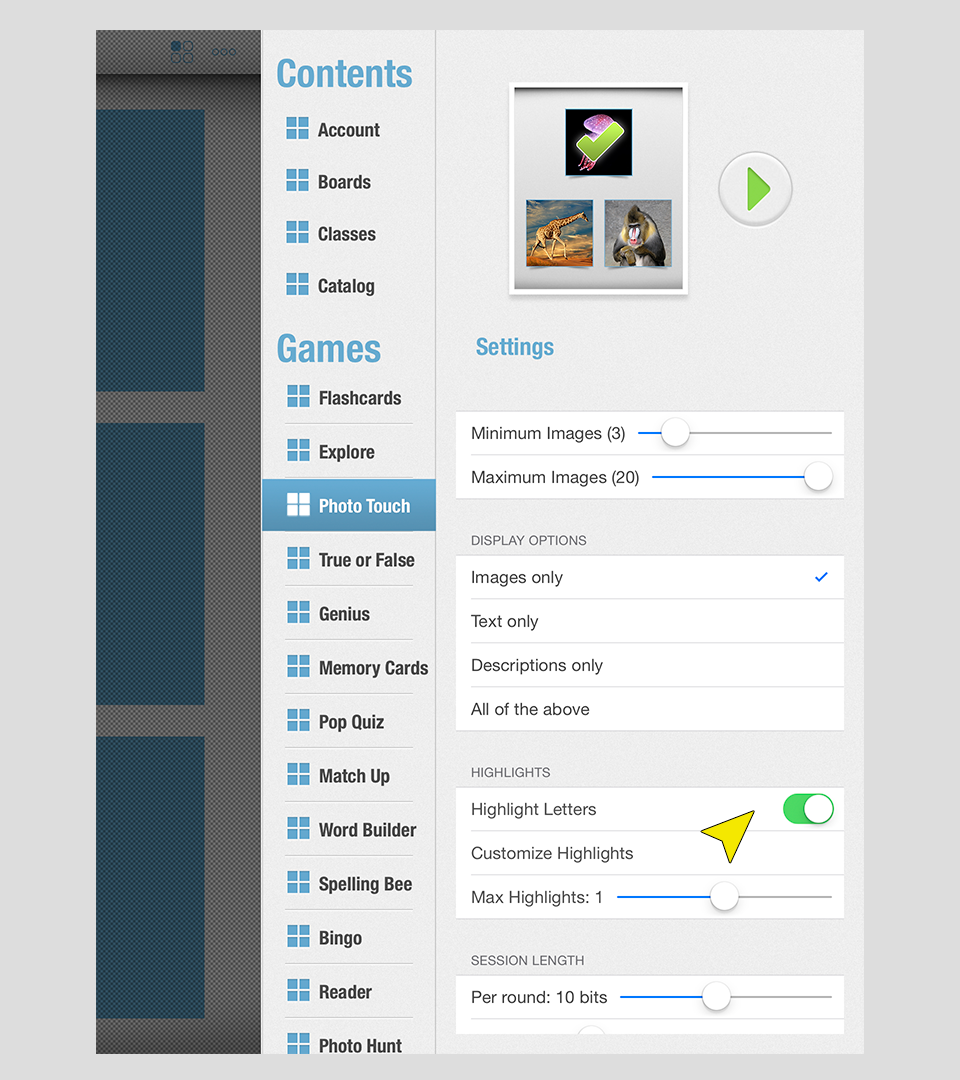
You can easily customize the Highlights feature by adding your own Highlights and turning specific Highlights ON/OFF to get the desired effect.
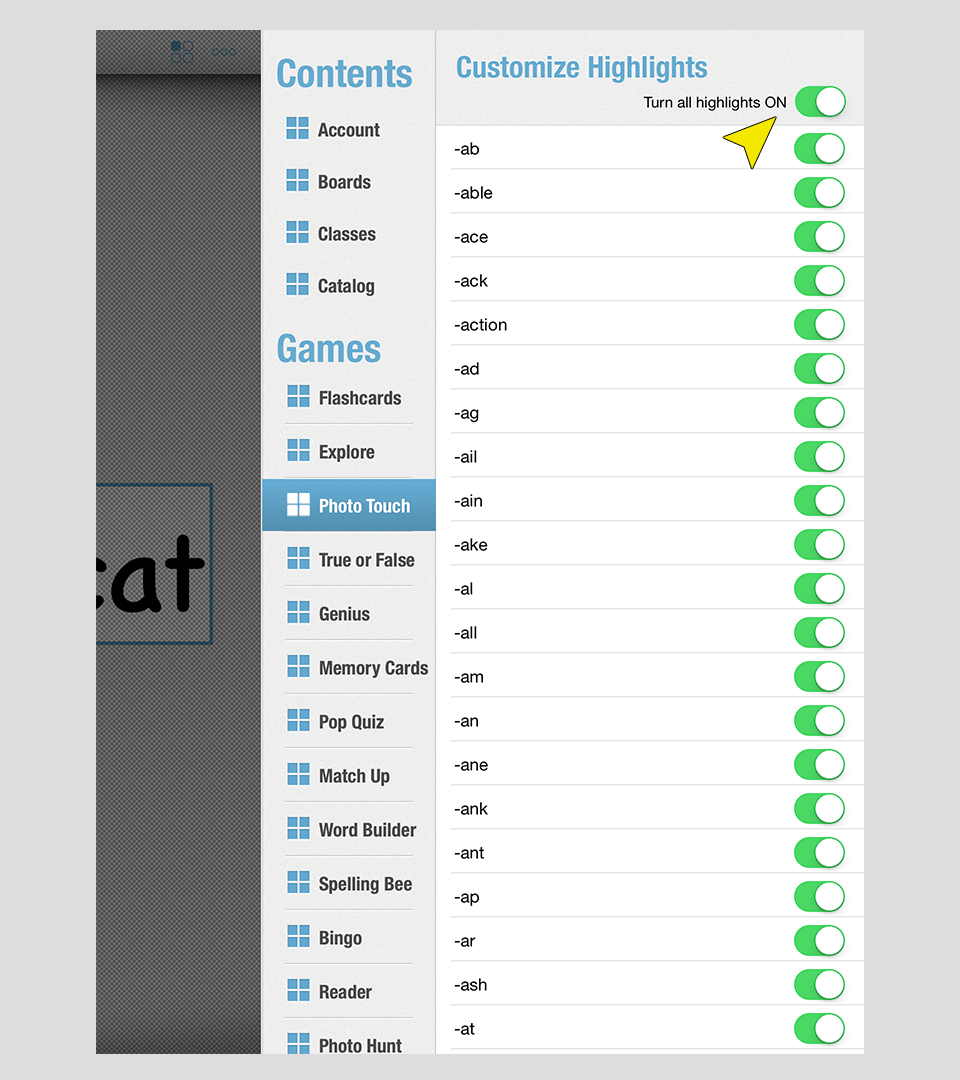
Example 1: 'ab' highlights all occurrences of 'ab'
Example 2: '-ab' highlights 'ab' at the end of a word (e.g. cat)
Example 3: 'ab-' highlights 'ab' at the beginning of a word (e.g. able)
Example 4: '-ab-' highlights 'ab' in the middle of a word (e.g. cable)
Important Disclaimer & Boundaries:
Bitsboard provides educational activities and tracking tools for parents, teachers, and speech therapists. It is not a medical diagnostic or clinical treatment tool, and should be used to supplement, not replace, professional evaluation and therapy.
Governing Law: California, USA. For legal inquiries, please contact support@bitsboard.com.