Battle Game
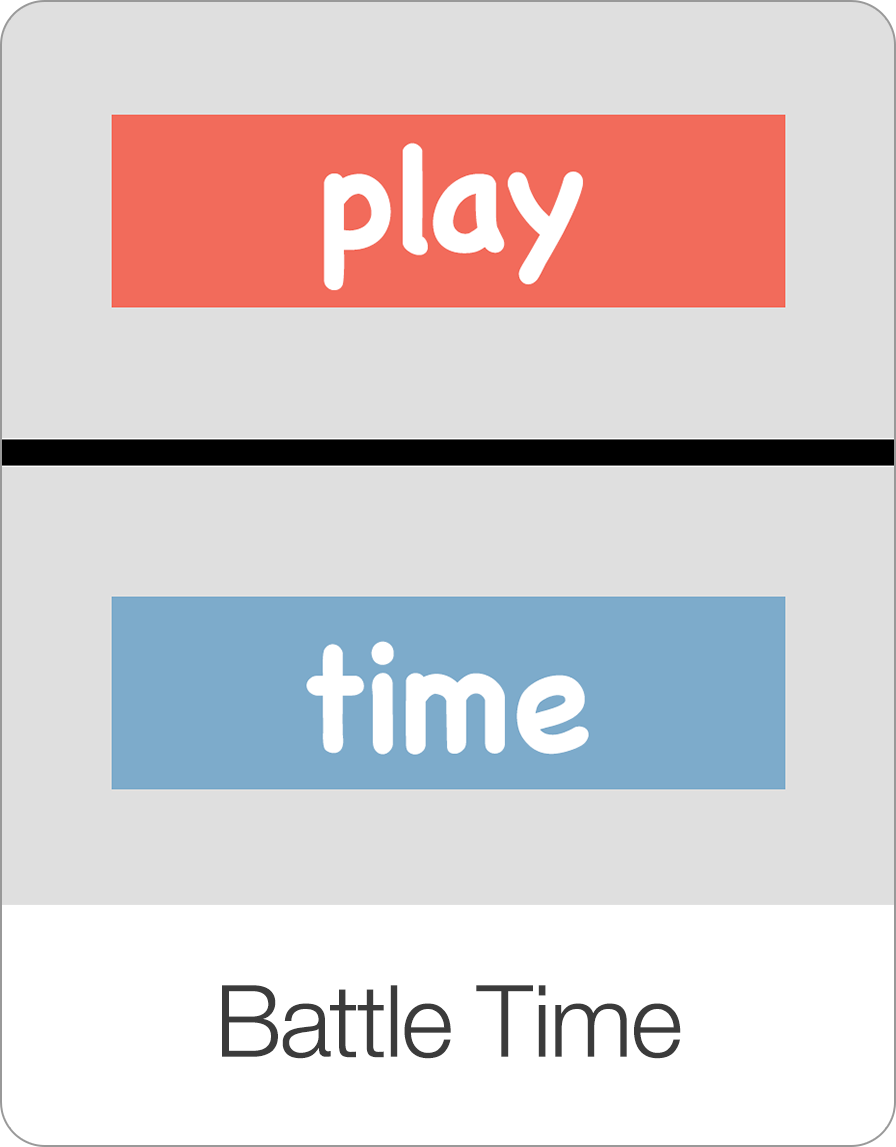
Play the Battle Game in Bitsboard. Pit Red Team vs. Blue Team in head-to-head reading and vocabulary challenges with First to Answer or Both Can Answer scoring.
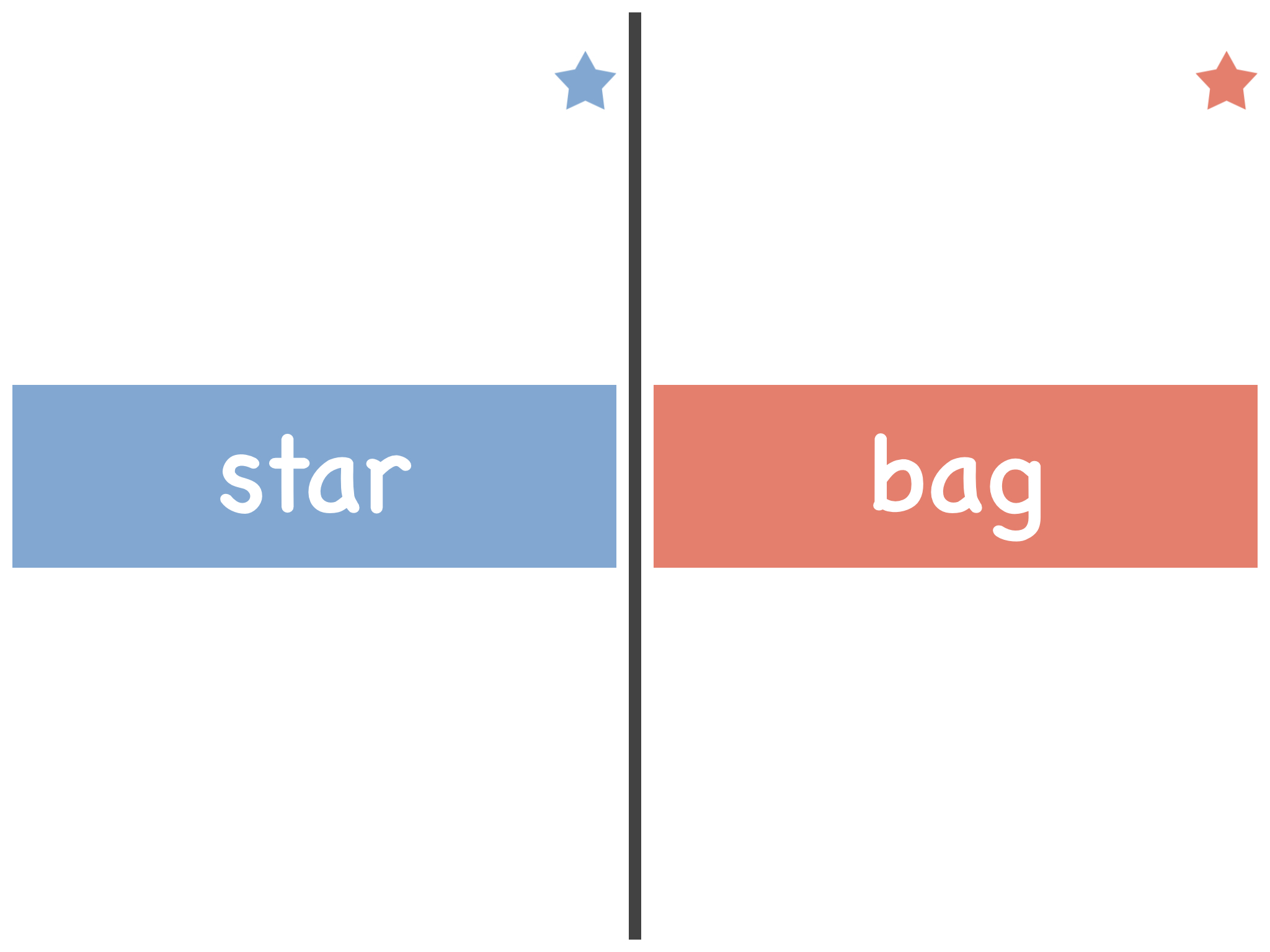
Try an Interactive Battle Game & Phonics Demo
Play a sample interactive round right in your browser, or explore our full phonics games and printable worksheets.

cat
Tap card to see the picture again.
The Battle Game (also known as Battle Time) is a two-player and whole-class reading game in Bitsboard. Teachers and parents use Battle to turn any flashcard board, sight word list, or phonics deck into an interactive Red Team vs. Blue Team classroom showdown.
How the Battle Game Works
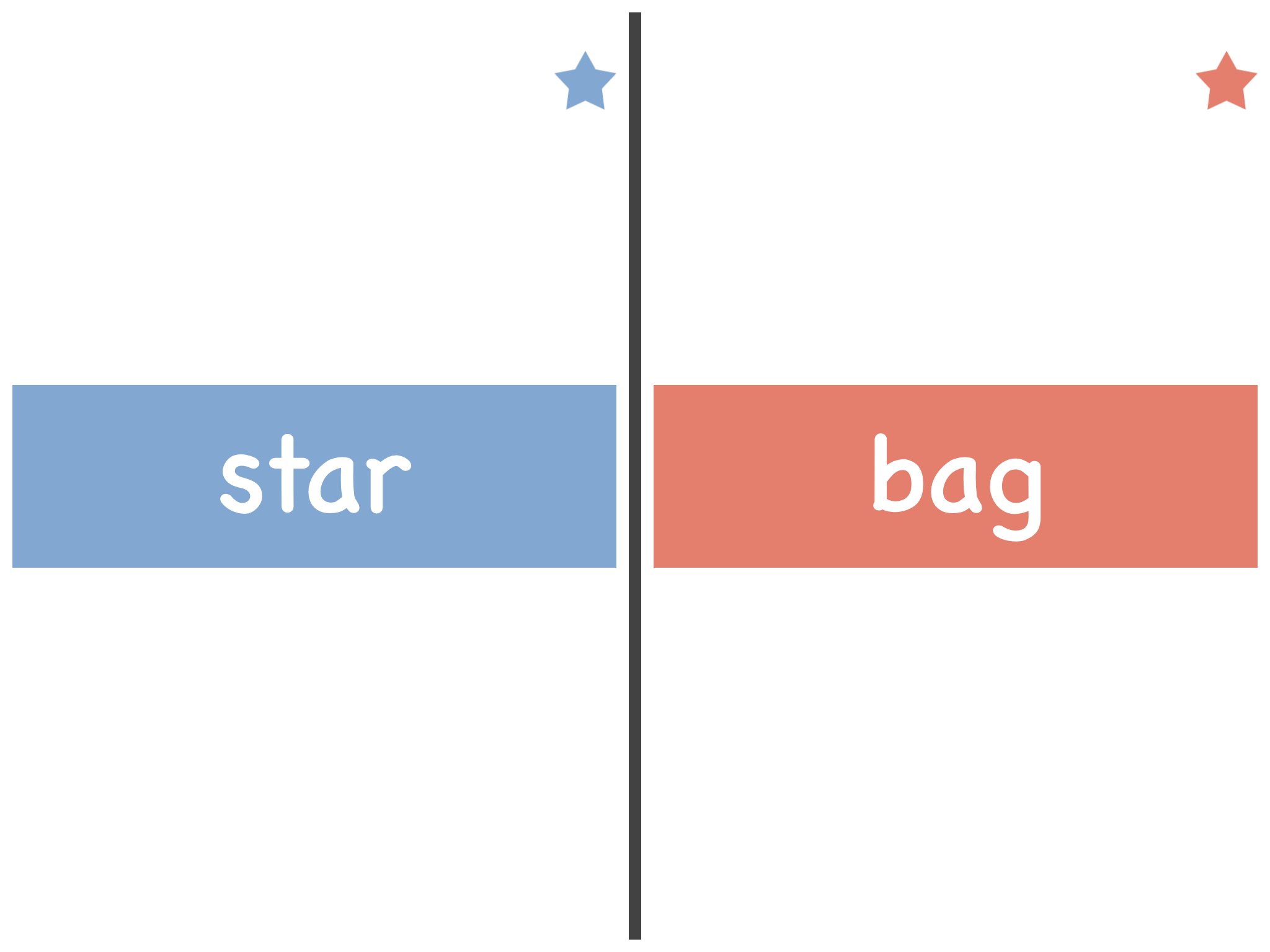
- Divide into Two Teams: Split your class or group into a Blue Team and a Red Team. Players line up or take numbers so one Blue player faces one Red player each round.
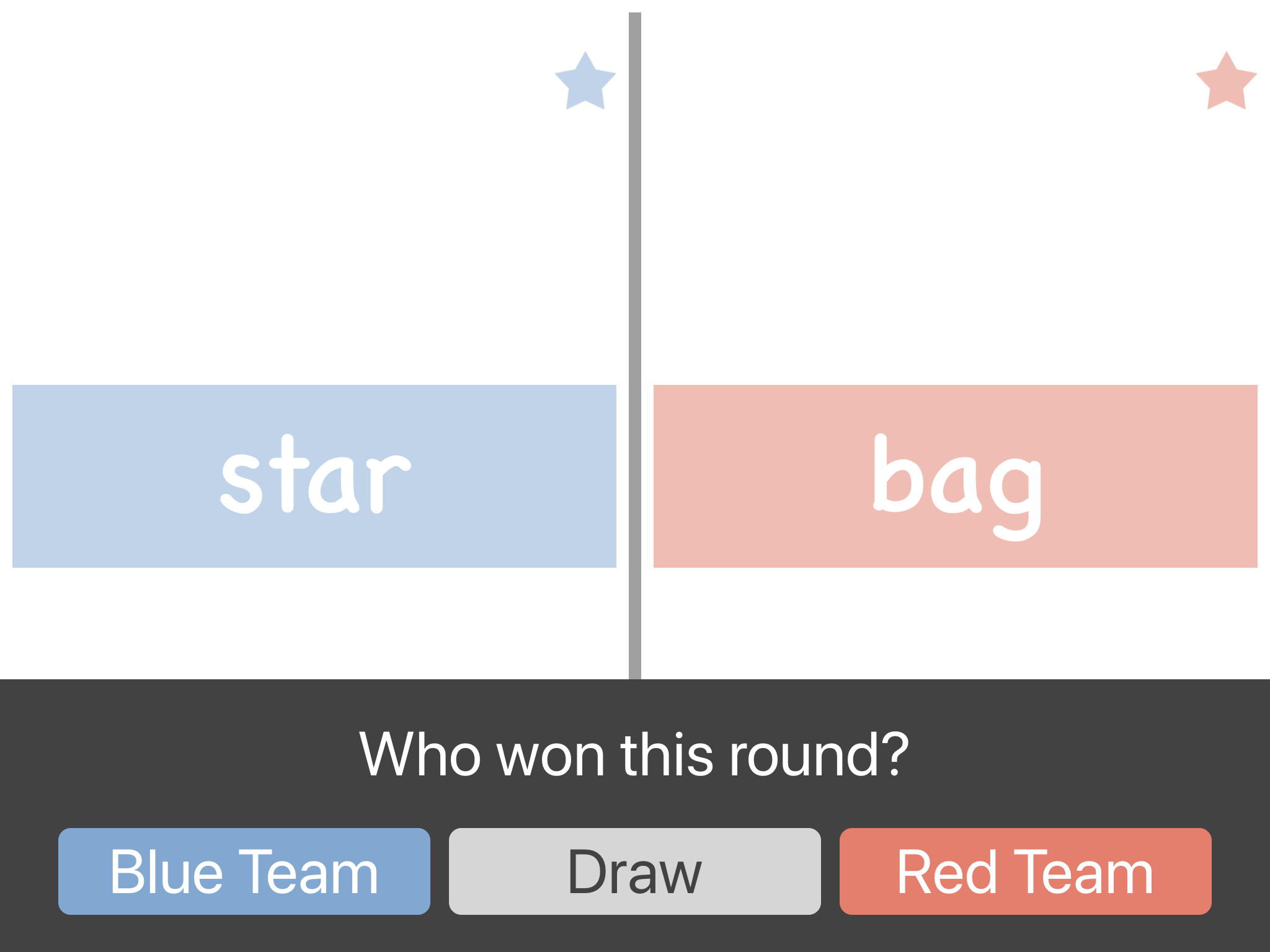
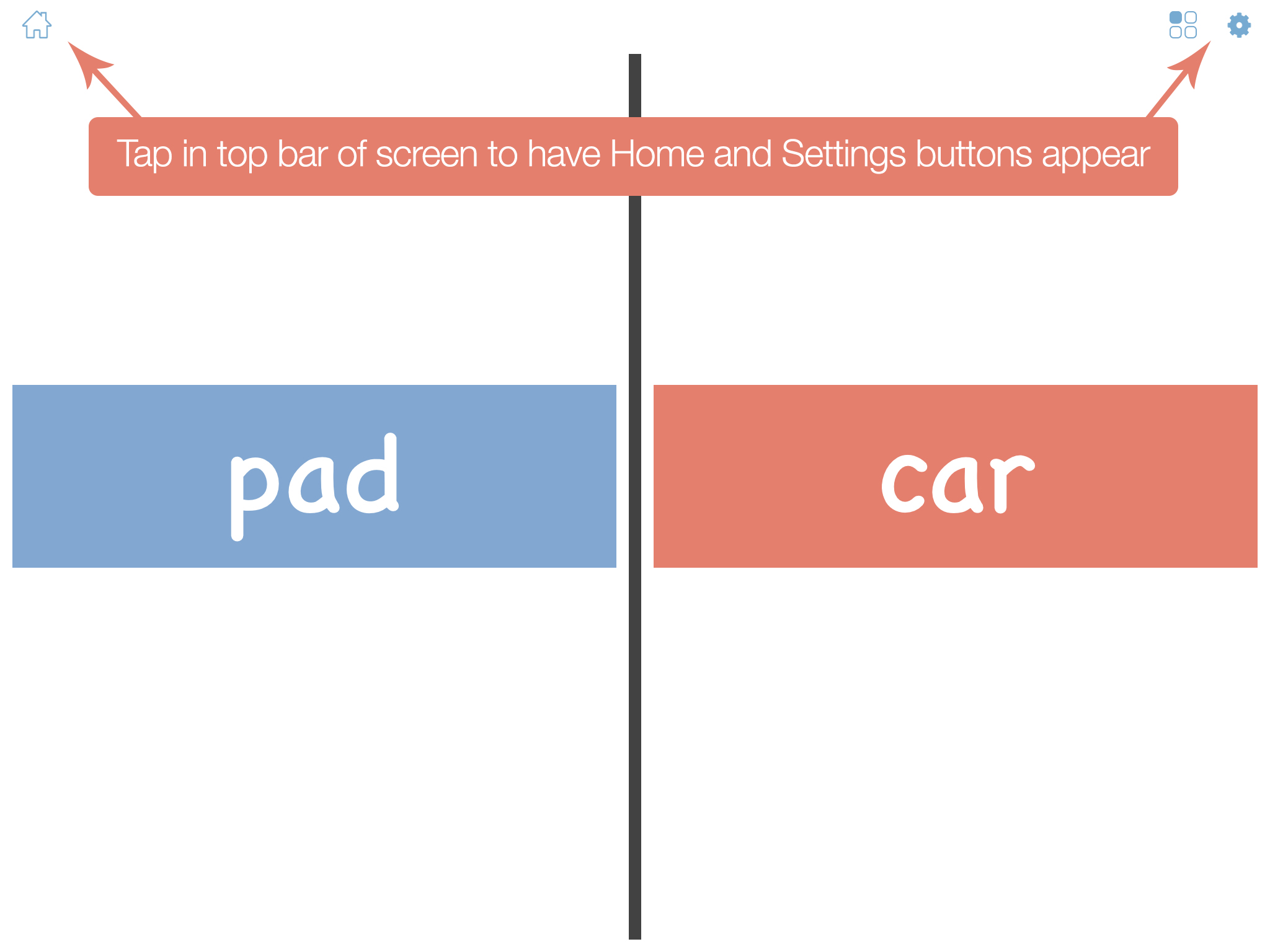
- Read Your Team's Word: Each round displays two words simultaneously—one on the Blue side and one on the Red side.
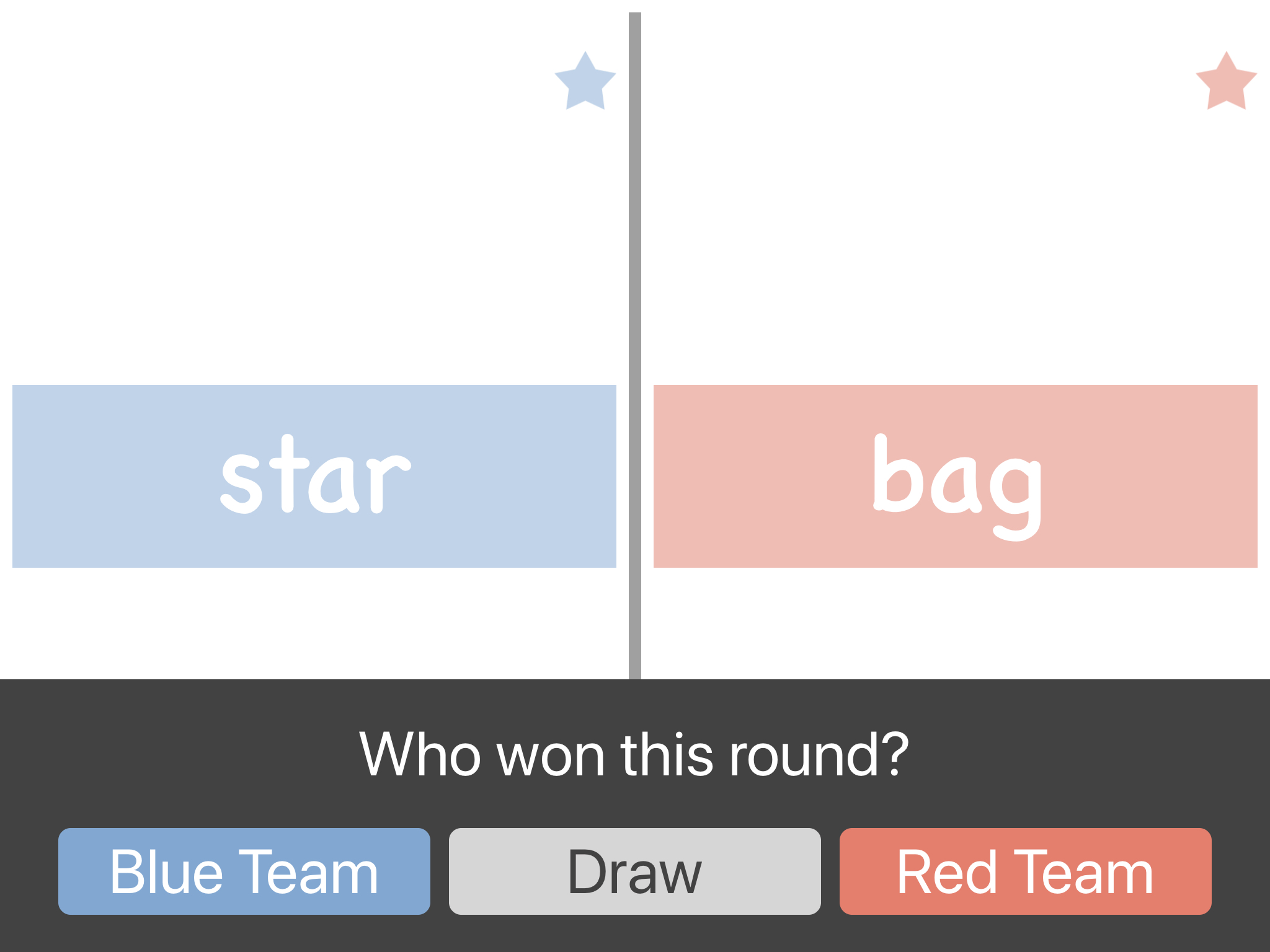
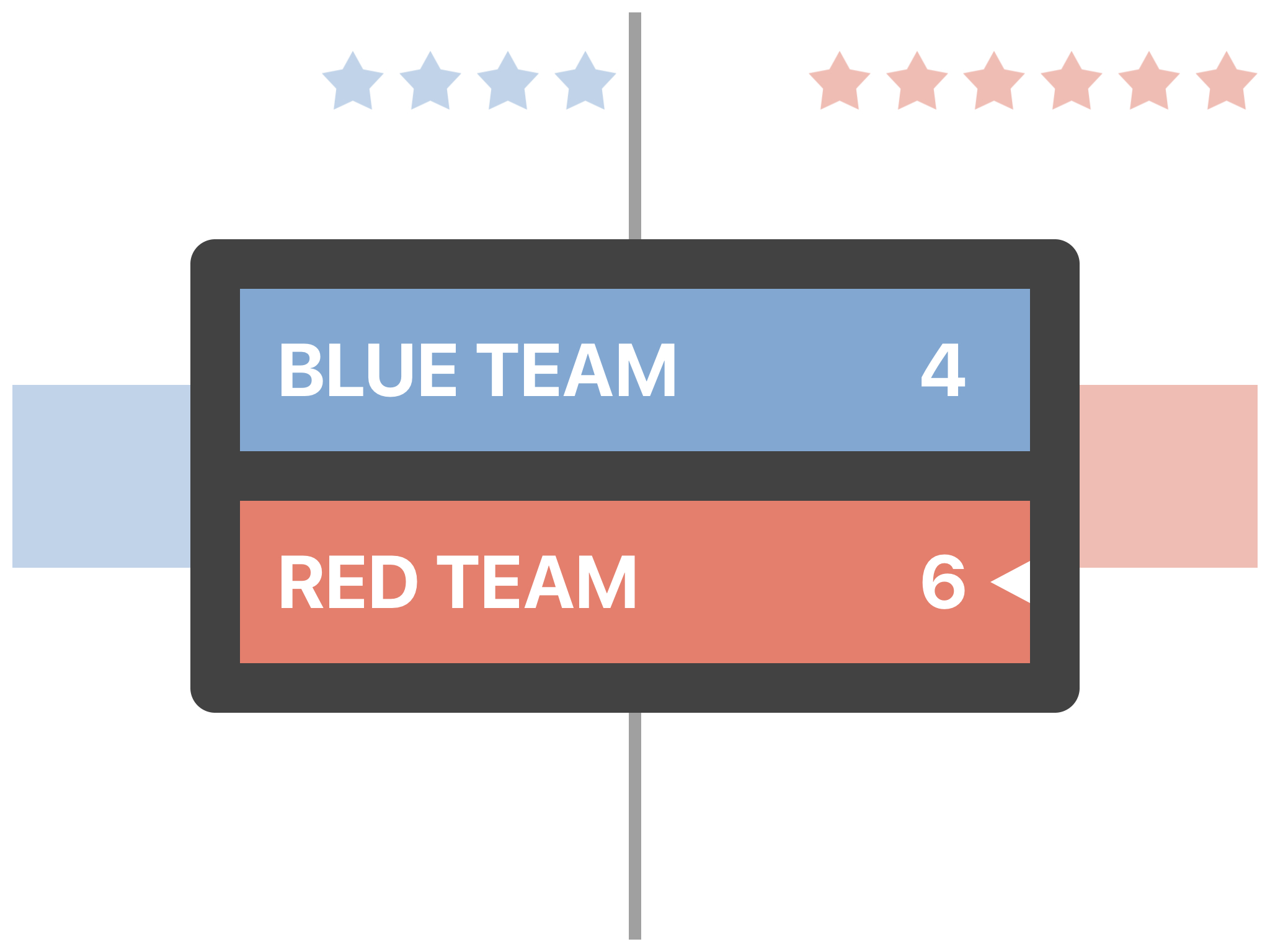
- Award the Round: The teacher or moderator taps the screen and awards the star based on the selected scoring rule.
Battle Game Scoring Modes & Settings
- First to Answer (Speed + Accuracy): The first player to read their word aloud accurately scores a star for their team. If a player rushes and misreads their word, the opposing team automatically earns the star—rewarding careful decoding over guessing. If both players answer simultaneously, the moderator can declare a Draw.
- Both Can Answer (Turn-Based Mastery): Speed is removed so every student gets time to sound out their word. Both players read their words aloud, and either team (or both teams) can earn a star for an accurate read.
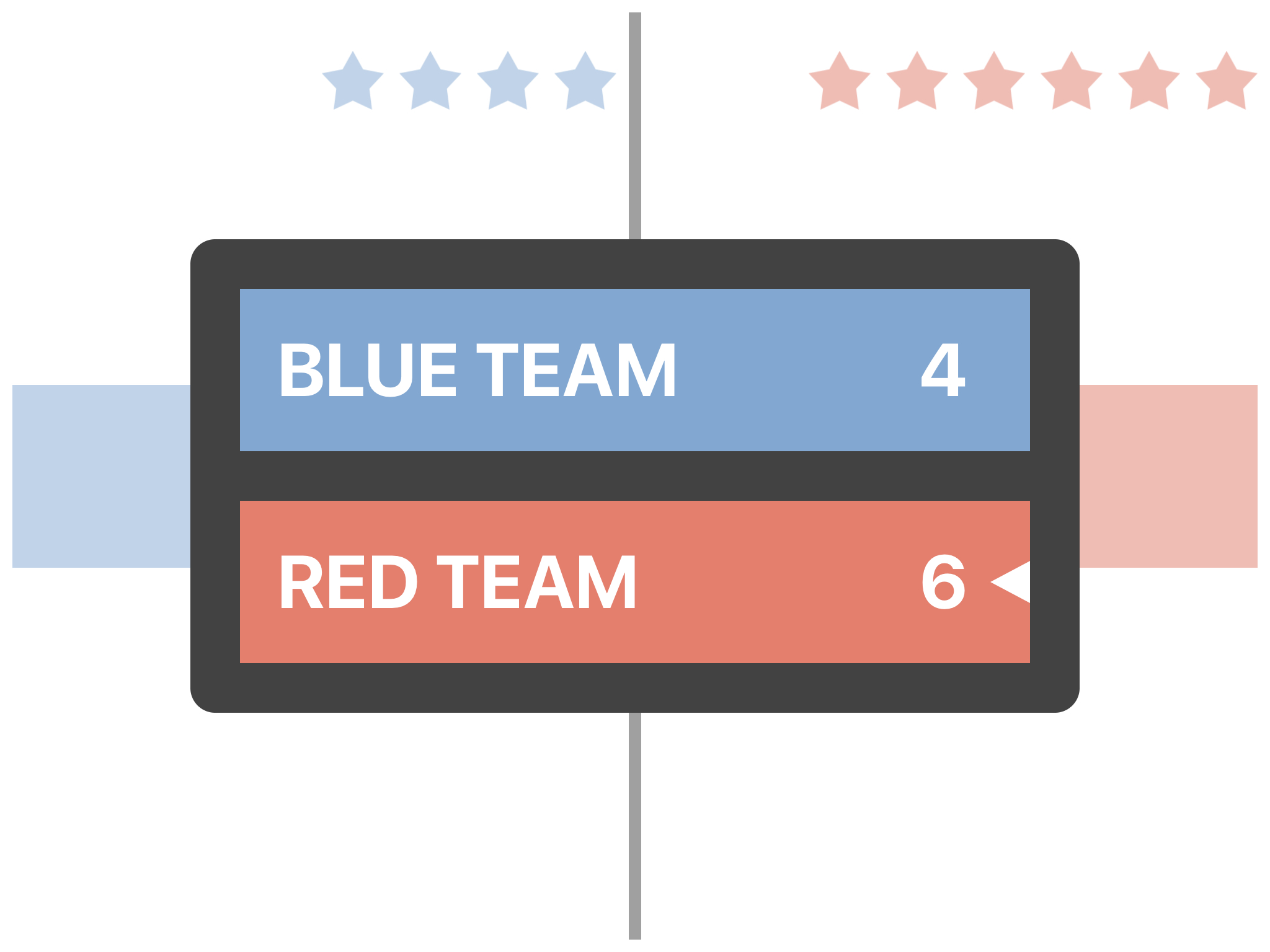
- Custom Match Length: Set the number of rounds per game in Game Settings and track live team stars at the top of the screen until the final scoreboard appears.
Step-by-Step Setup & Classroom Guide
- How to Play the Battle Game (Step-by-Step Guide) — Full classroom setup instructions, scoring walkthroughs, and moderator controls.
- Phonics & CVC Reading Lessons — Combine Battle Time with decodable CVC short-vowel word lists.
- Printable Phonics Worksheets — Pair classroom Battle rounds with printable practice sheets.
Screenshots
Therapeutic & Classroom Outcomes
- Bitsboard is widely used by speech-language pathologists (SLPs) as a supplementary tool for articulation, vocabulary, and cognitive exercises.
- Teachers and special educators use Bitsboard to build highly customized curriculums that adapt to individual IEP goals.
Learn about all the other games on Bitsboard
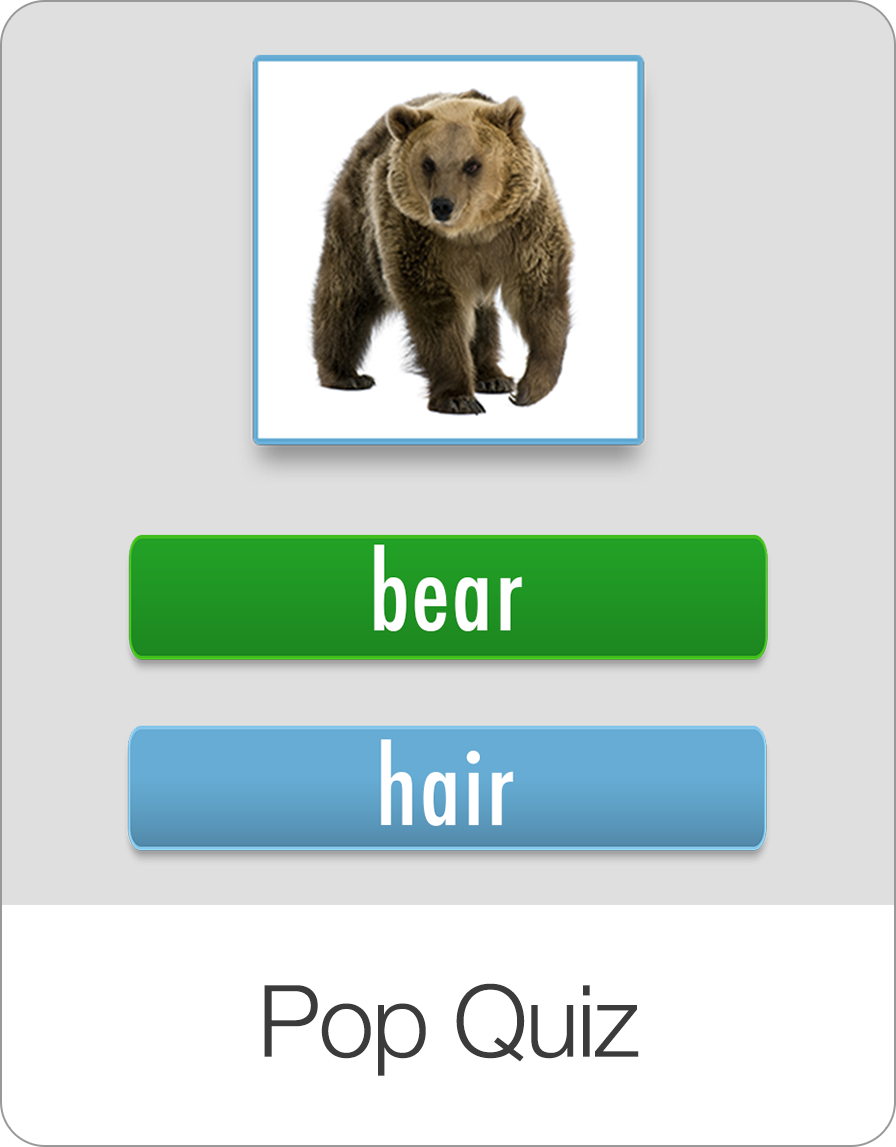
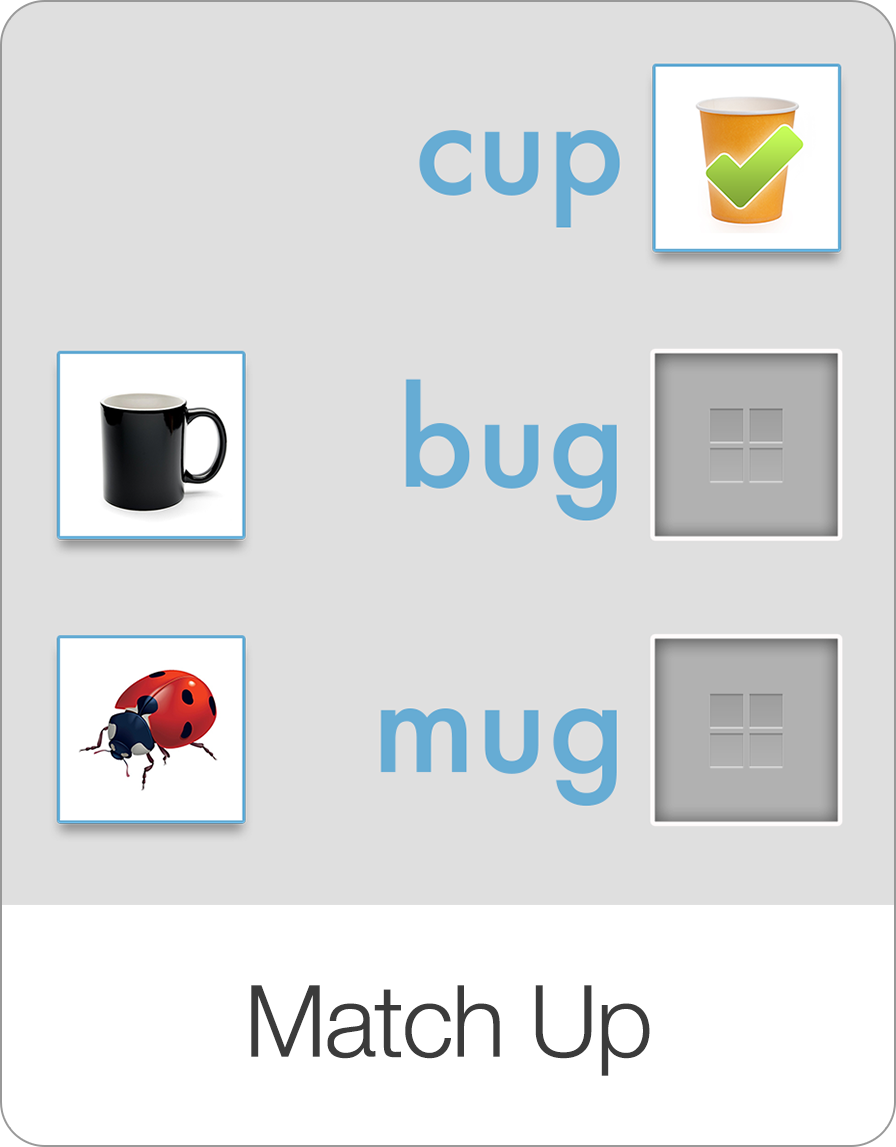
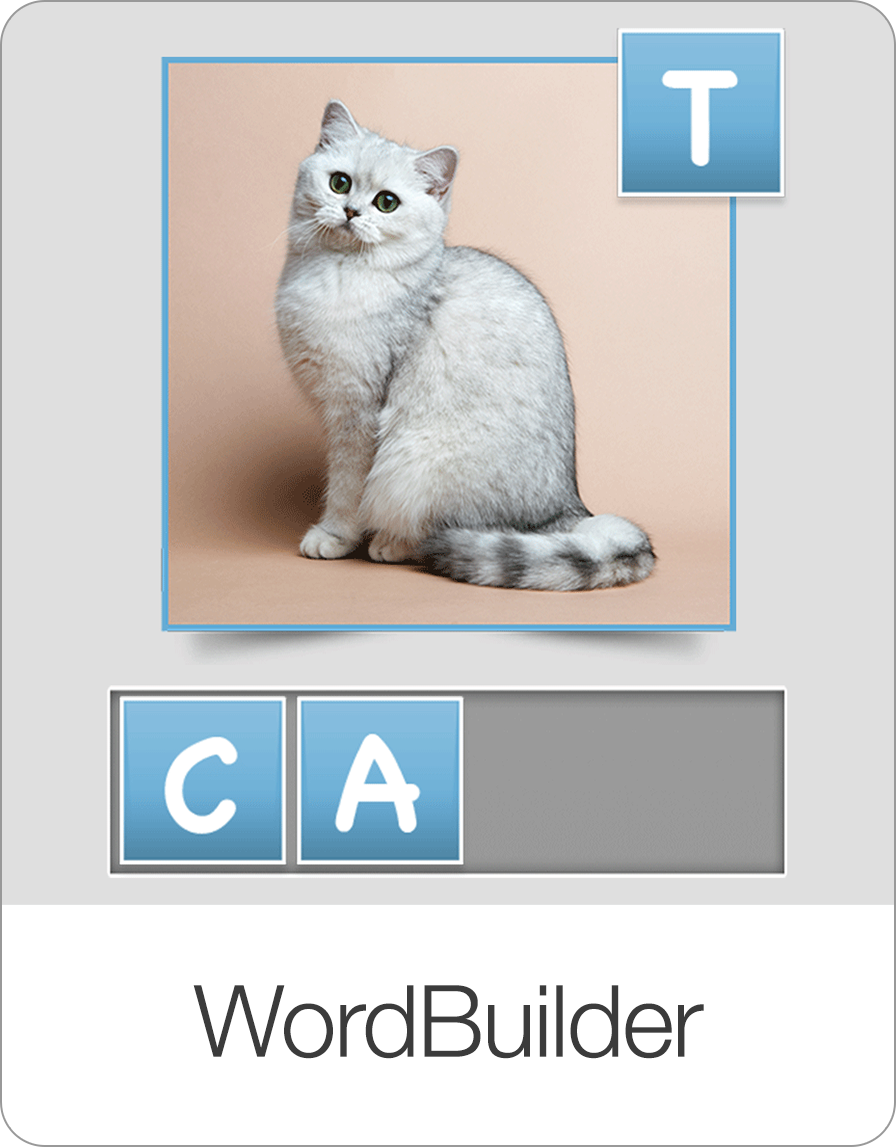
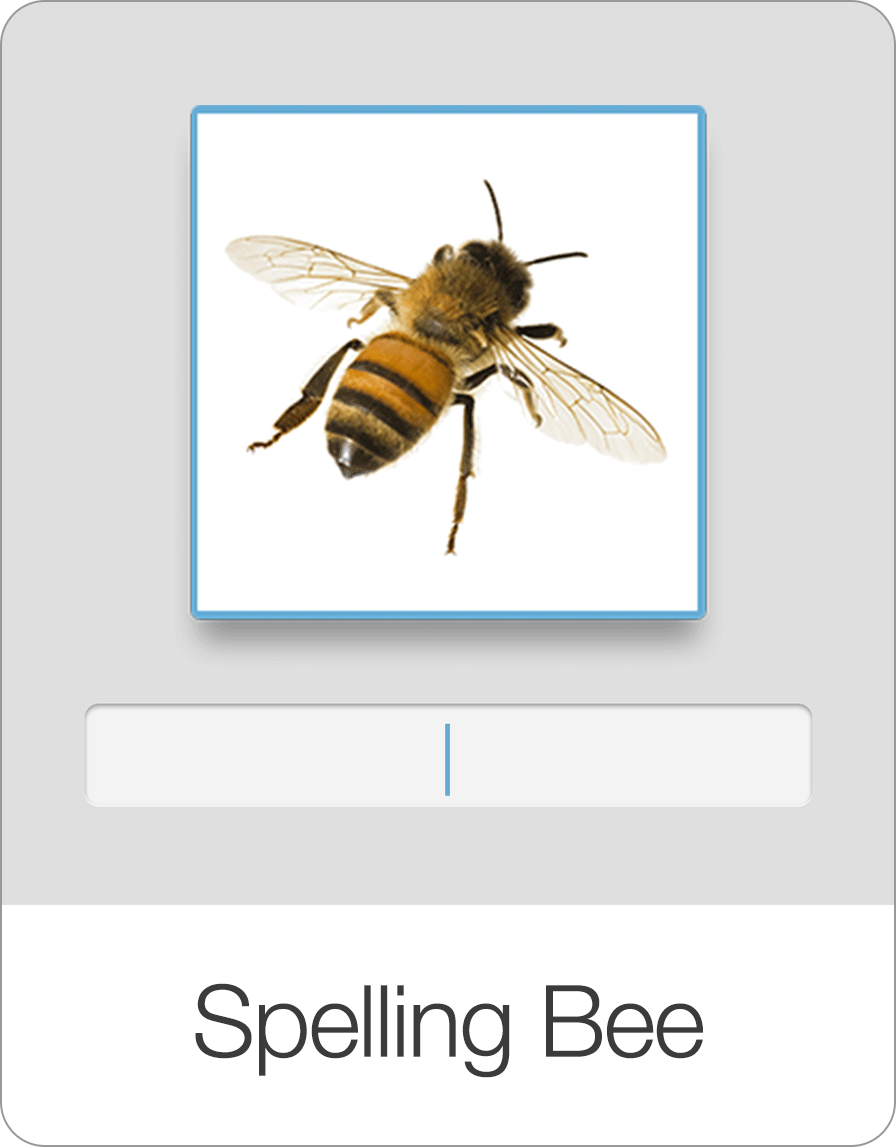
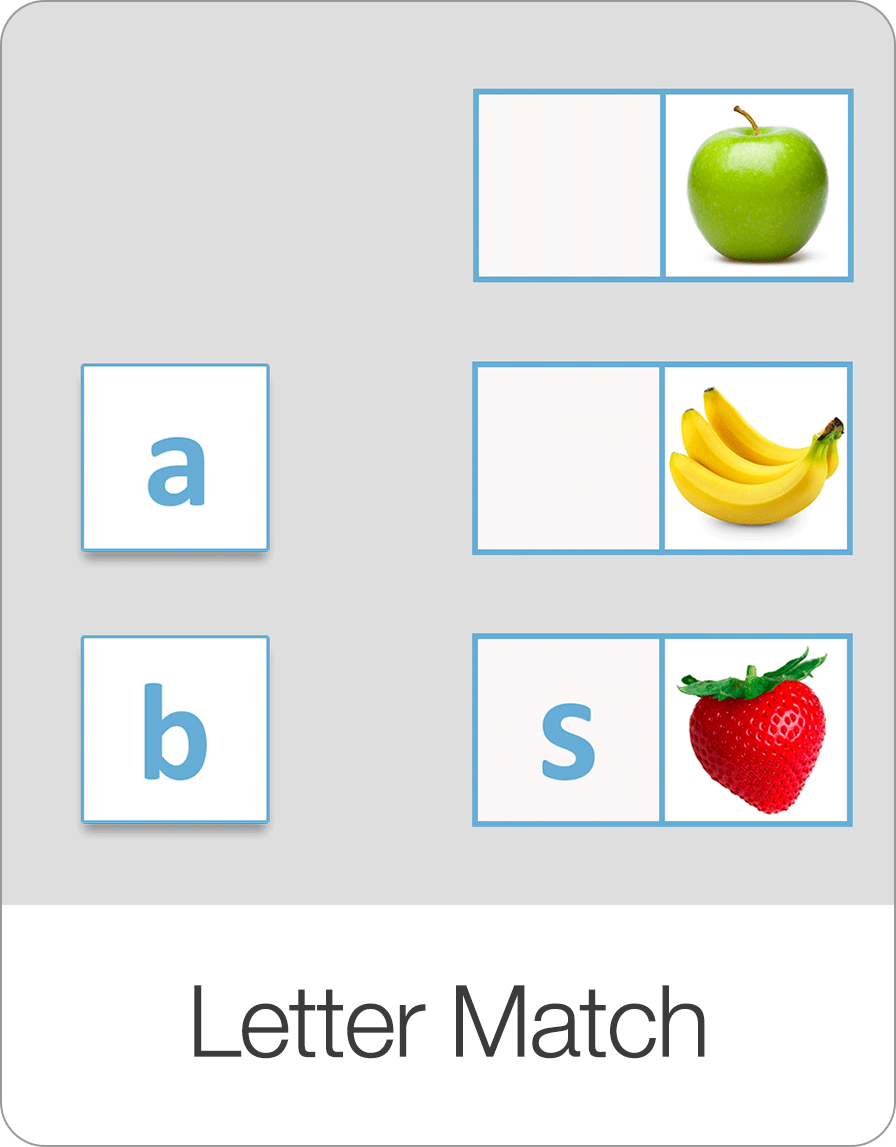
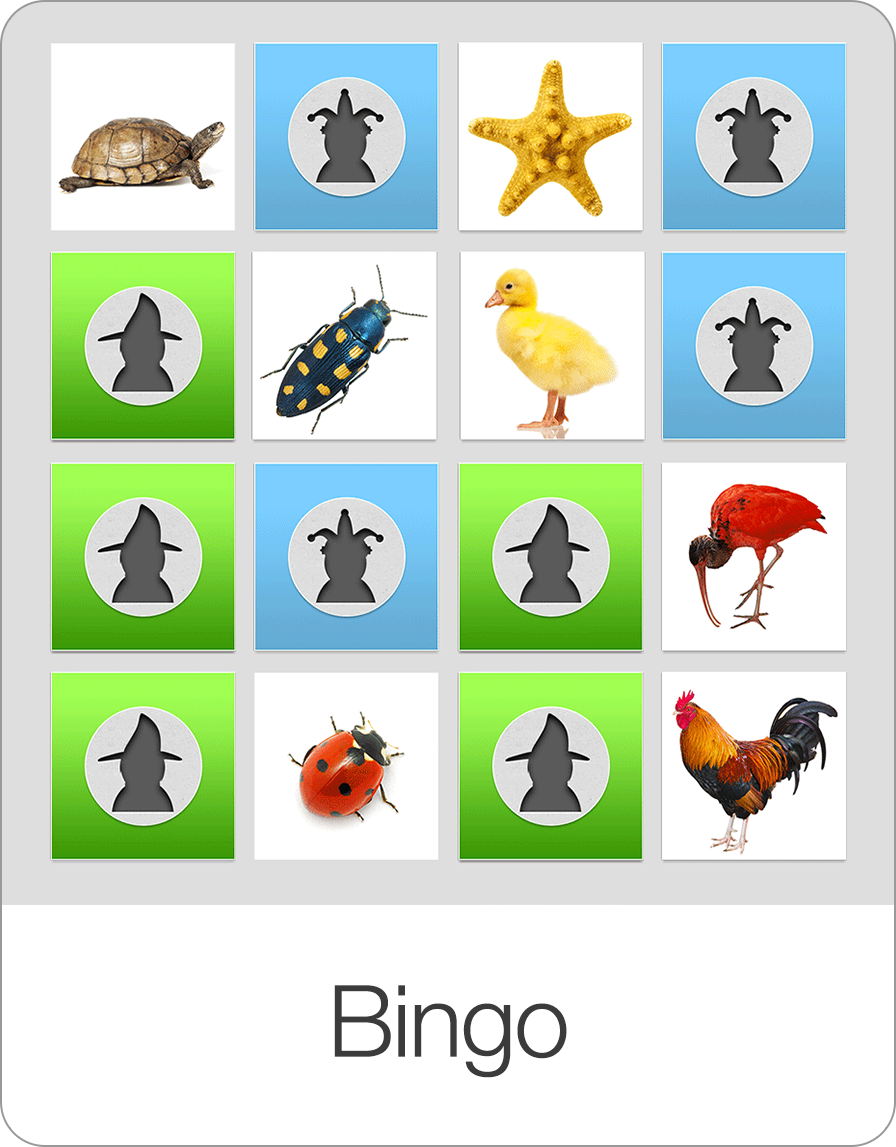
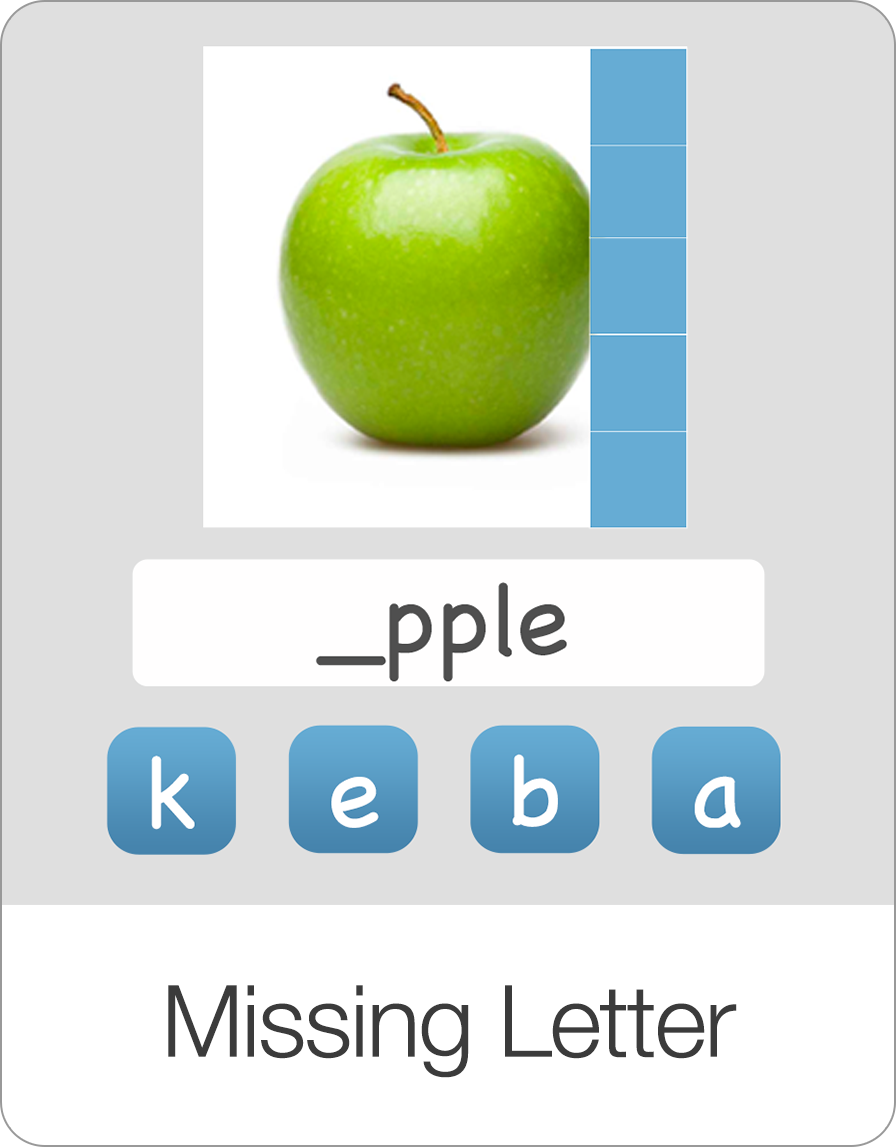
Explore our complete suite of educational games designed to make learning reading, spelling, math, and coordination fun and interactive.
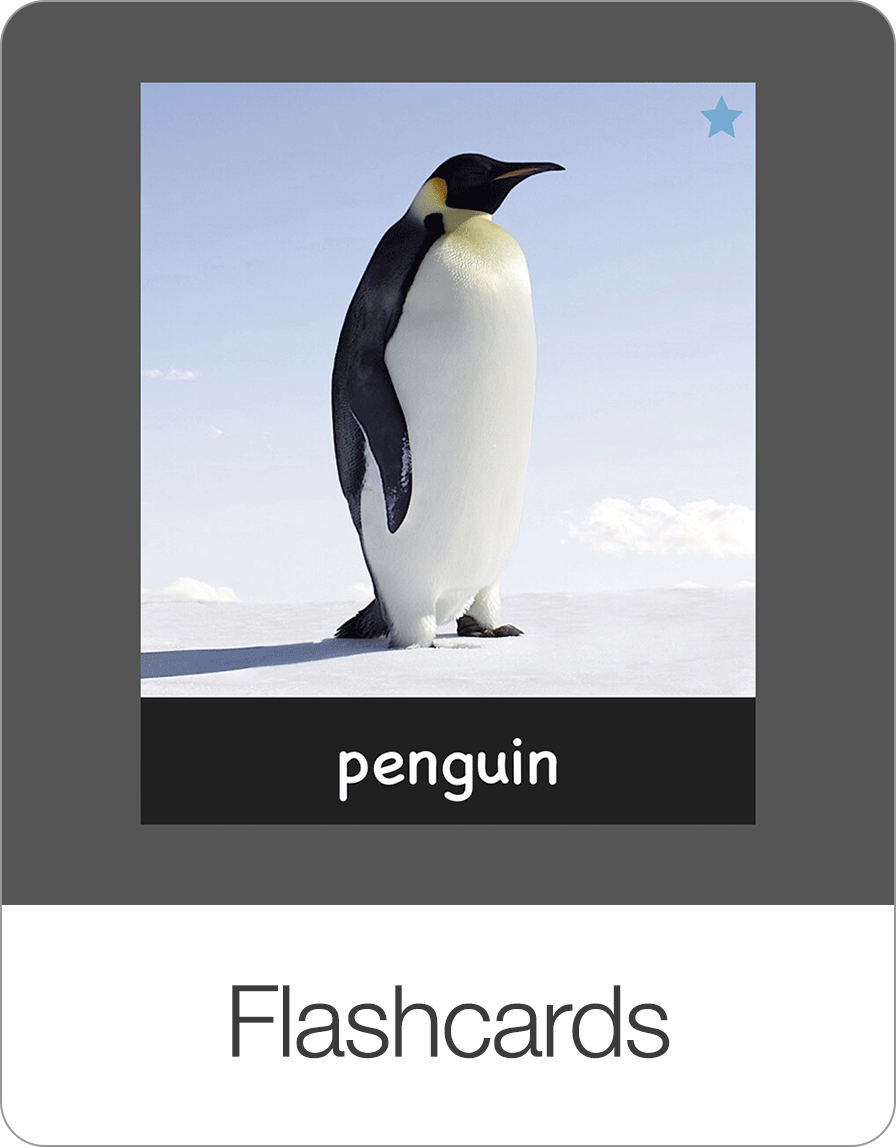
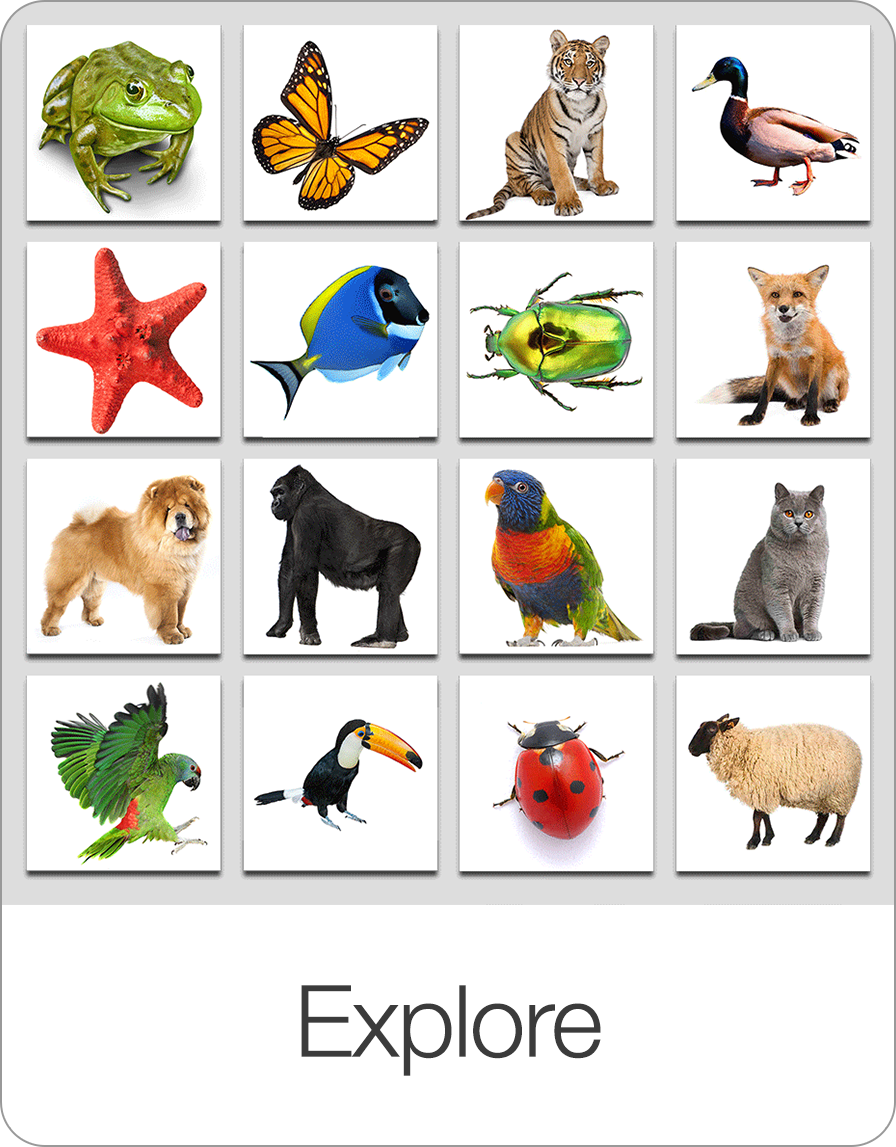

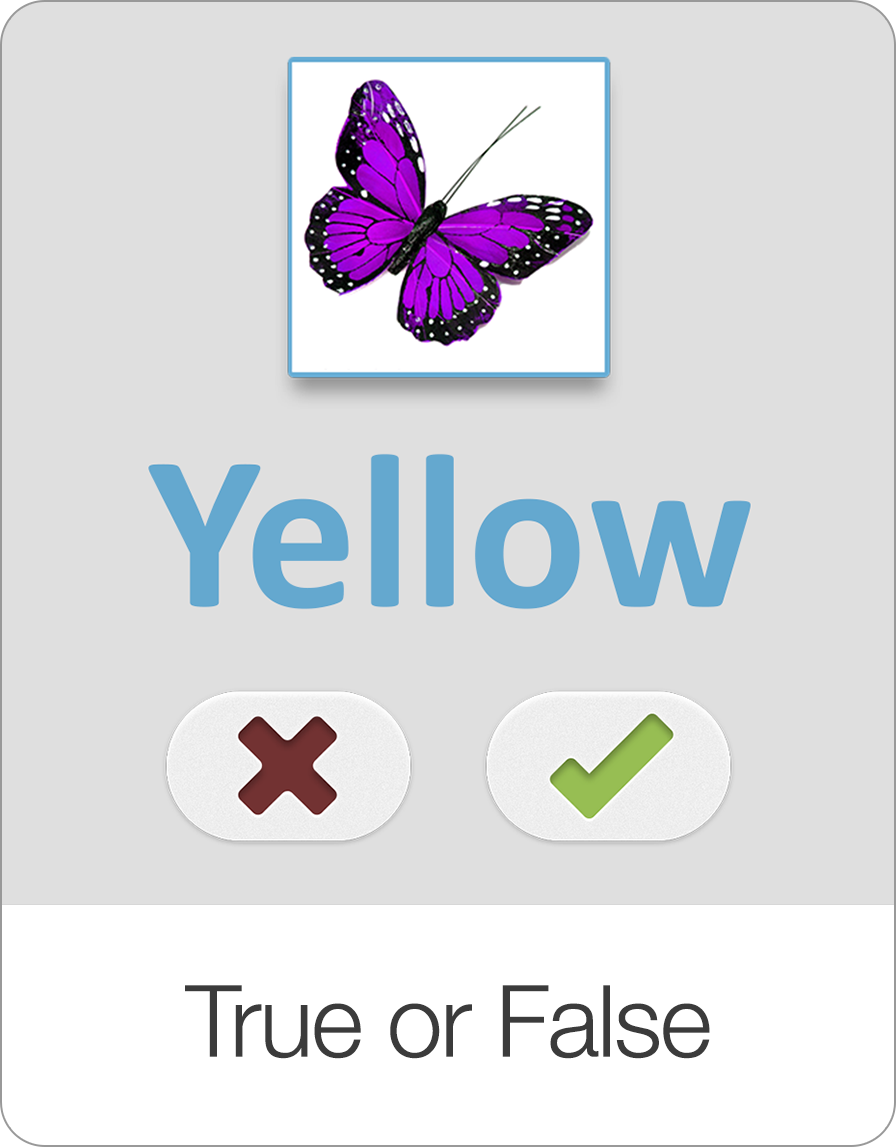

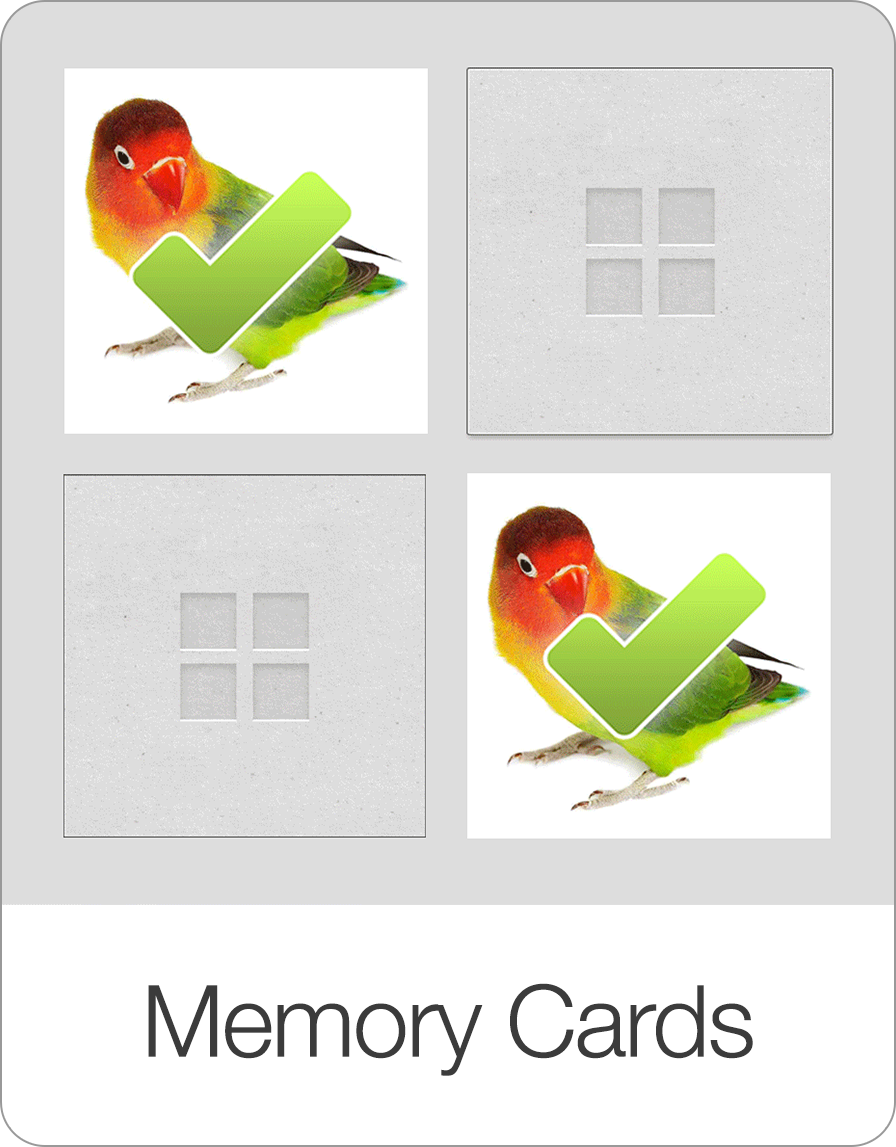
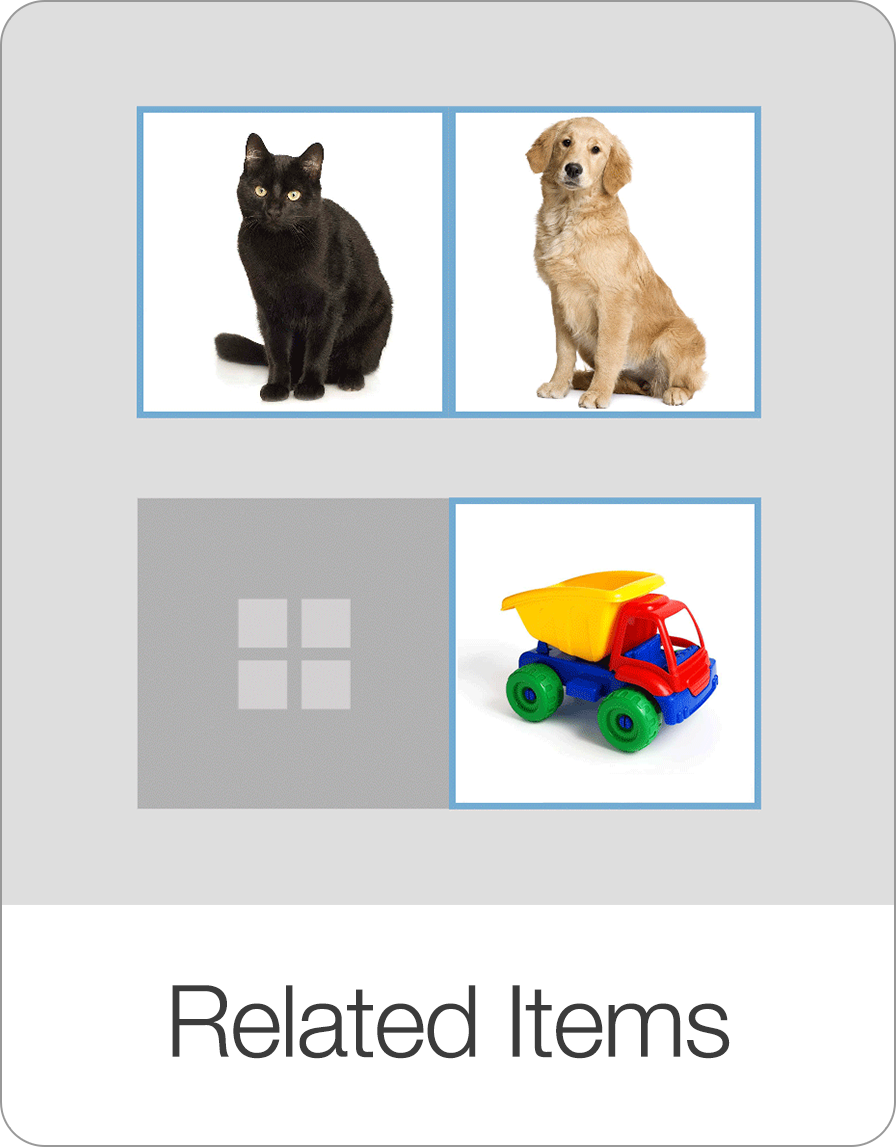
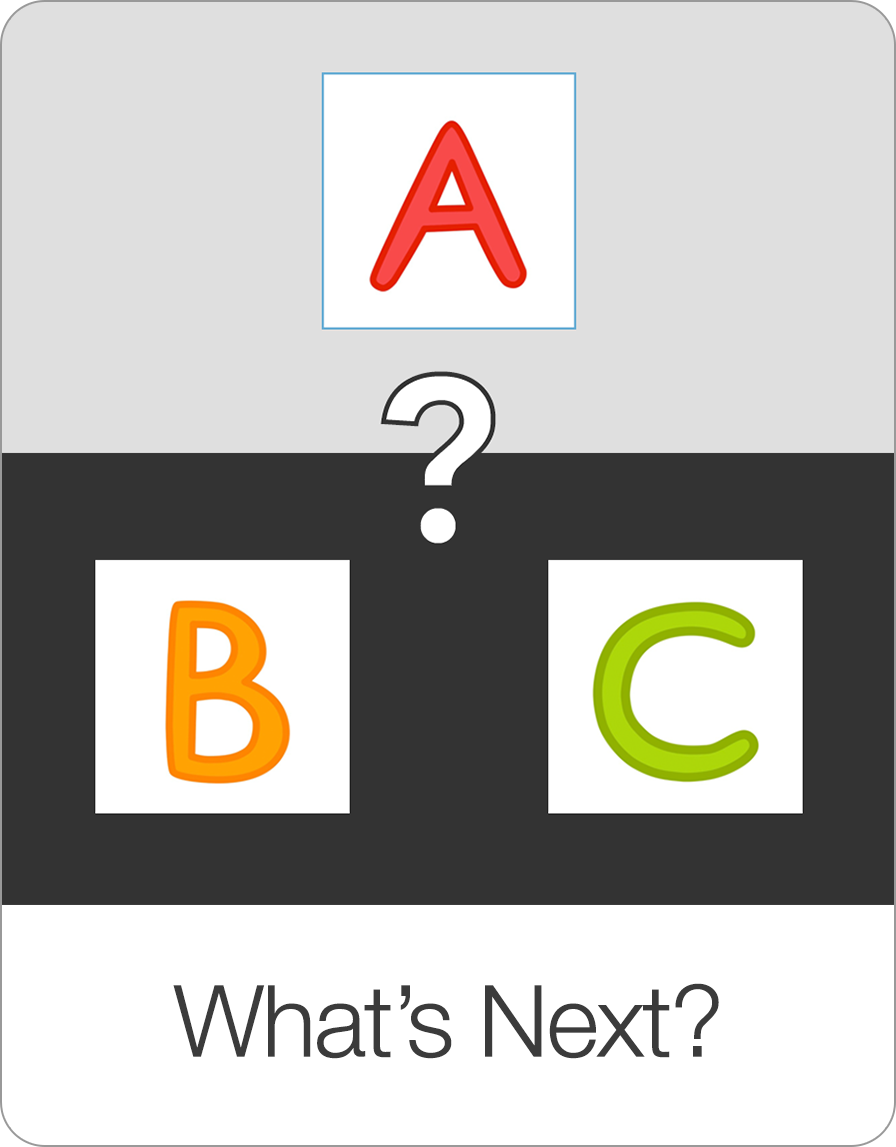
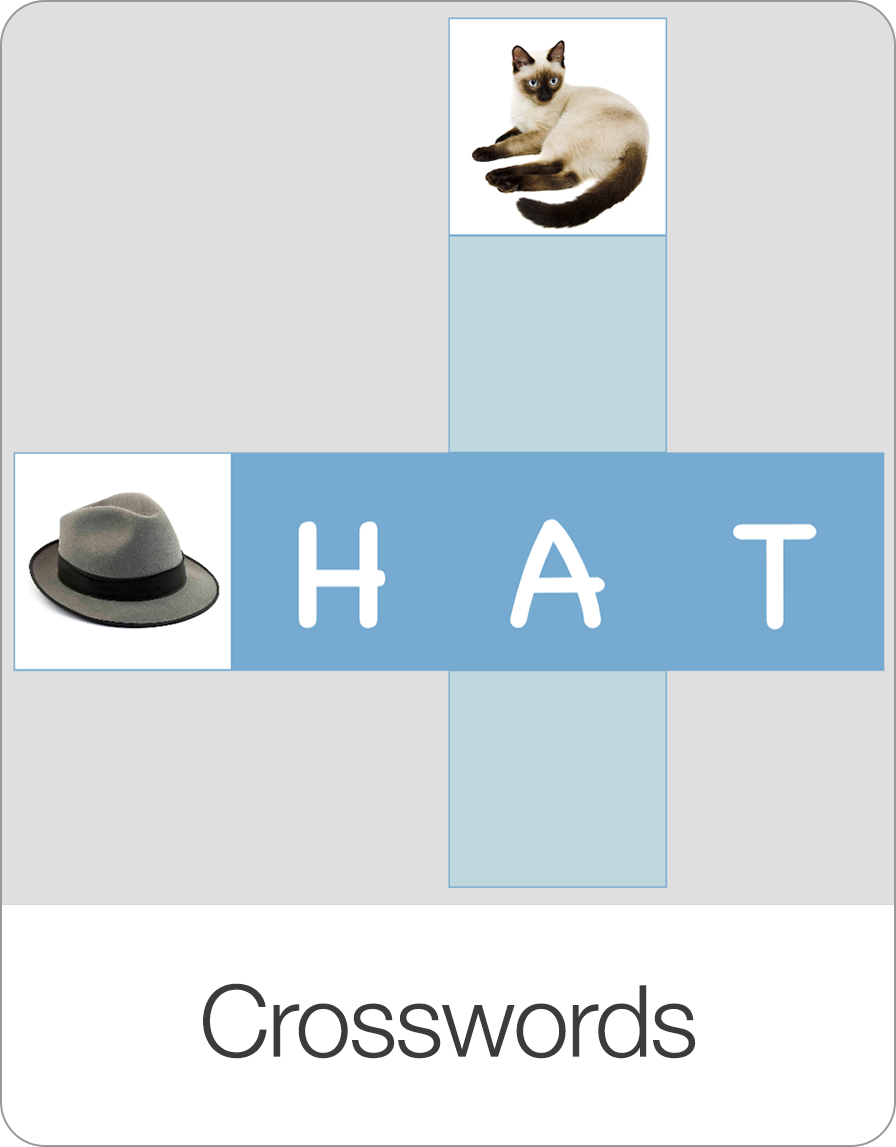
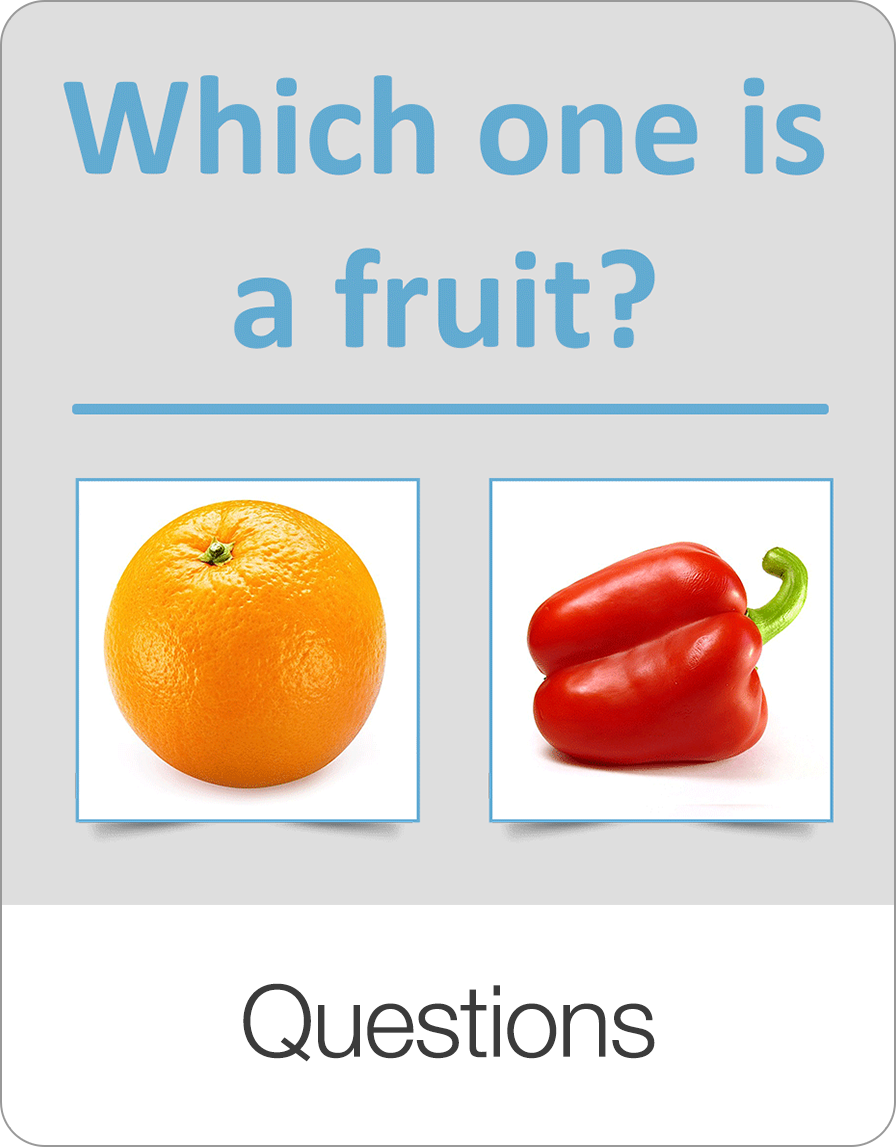
Start Learning with Bitsboard
Unlock over 30 interactive mini-games, thousands of pre-made learning boards, and the power to fully customize your own lessons. Perfect for toddlers, students, educators, and speech therapists!
Download on the
App Store